Git Providers
Git Providers give Forkline authenticated access to your repositories. Forkline supports GitHub, GitLab, and Forgejo, including self-hosted instances.
Overview
When you connect a git provider, Forkline can:
- Clone repositories into runners with the right authentication
- Push changes back to branches and create pull requests
- Receive webhooks for automation triggers
- Call provider APIs for repository operations
Info: Each git provider connection is user-specific. Your git providers only access repositories you can already view.
Best default when available
Forkline handles repository installation, webhook setup, and permission scoping through the GitHub App flow.
Flexible for hosted or self-managed
Connect with an API token when you need project or group access across GitLab.com or private instances.
Works with Forgejo, Gitea, Codeberg
Use a scoped token when you need compatibility with community-hosted or self-hosted Forge ecosystems.
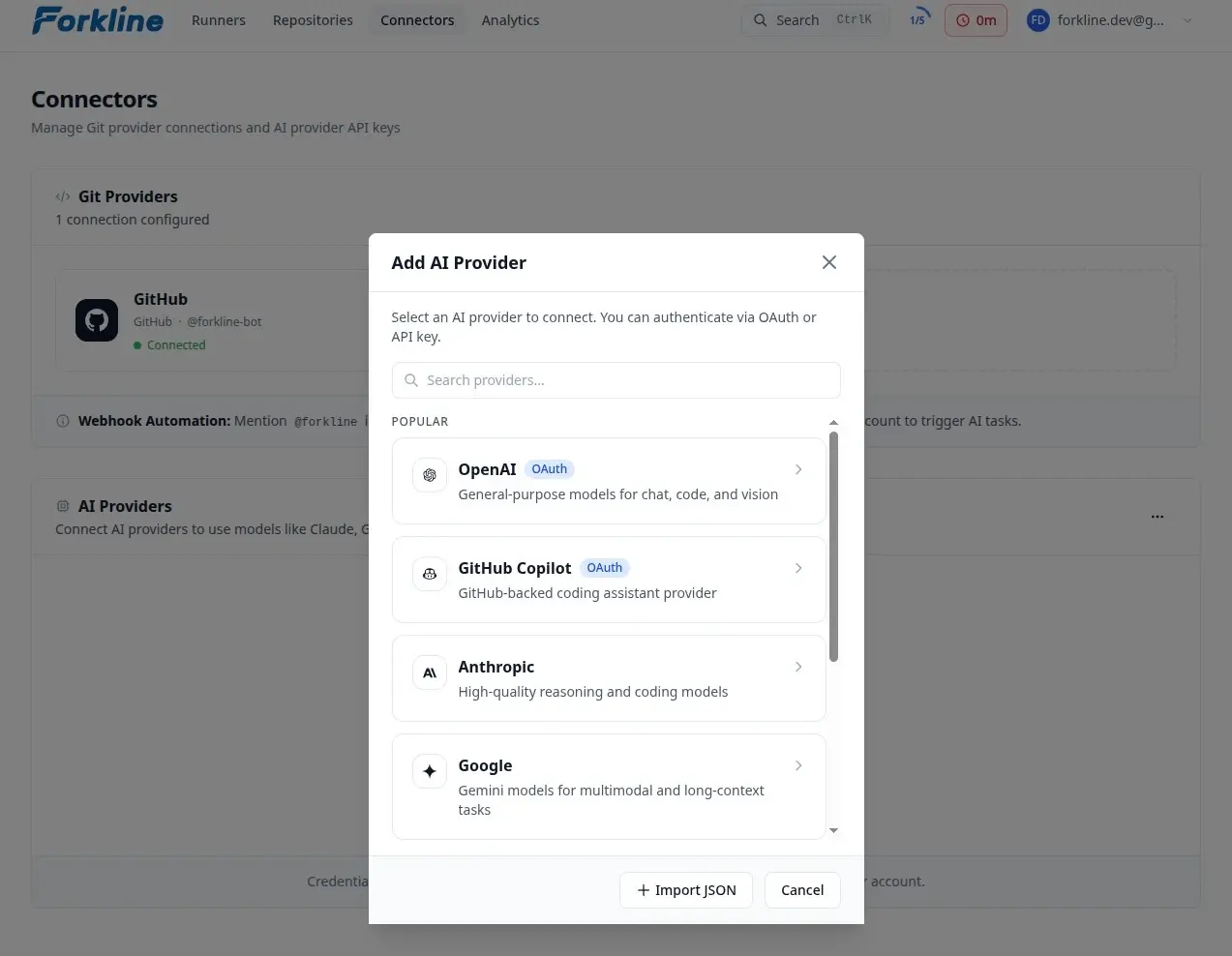
GitHub
The GitHub integration is the lowest-friction option because the GitHub App handles repository installation and webhook setup for you.
- Go to Git Providers
- Click Connect Provider or Add Provider
- Select GitHub
- Choose the GitHub installation
- Select the repositories to grant access
- Authorize the application
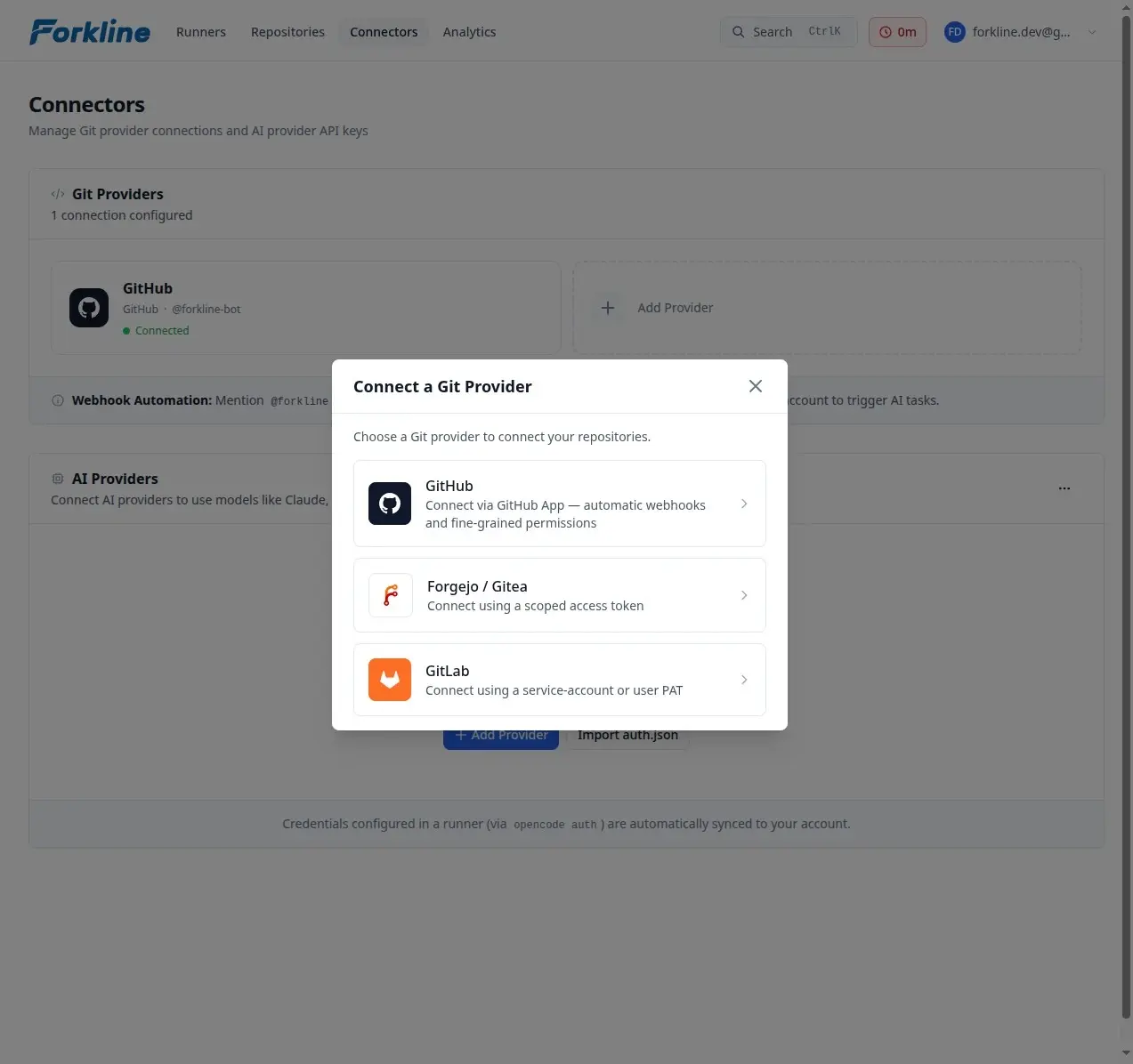
Why teams prefer it
- Repository-level access control
- No token rotation burden
- Better rate limits
- Organization-level installation support
Important: The GitHub App requests a fixed permission set. You cannot reduce individual permissions during installation.
App Permissions
| Permission | Access Level | Purpose |
|---|---|---|
| Contents | Write | Clone repositories, push commits, create PRs |
| Issues | Write | Read issues, create comments |
| Pull requests | Write | Create PRs, read PR details, comment |
| Checks | Read | Read CI status for auto-fix |
| Actions | Read | Read workflow logs |
Webhook Events
The GitHub App automatically subscribes to these events:
| Event | Use Case |
|---|---|
| Issues | Bot mentions on issues |
| Issue comment | Bot mentions on issue comments |
| Pull request | CI auto-fix, auto review, merge conflict detection |
| Pull request review comment | Bot mentions on PR review comments |
These subscriptions are fixed by the app and cannot be customized per installation.
GitLab
Use a GitLab git provider when you need GitLab.com or self-managed GitLab support.
- Go to Git Providers
- Click Connect Provider
- Select GitLab
- Enter your GitLab instance URL
- Enter a GitLab PAT
- Save the connector
Optional: set an Automation Actor Username if you want Forkline to treat a specific service account as the actor for assignments, review requests, and bot-authored checks.
Self-Hosted GitLab
For self-hosted GitLab instances:
- Make sure the instance is reachable from Forkline
- Create a dedicated automation user or service account
- Grant it access to the project or group you want Forkline to manage
- Create a PAT with
api,read_repository, andwrite_repository
# Example GitLab service-account PAT setup
Account: forkline-bot
Scopes: api, read_repository, write_repository
Forgejo
Forkline also supports Forgejo, Gitea, and Codeberg instances.
- Go to Git Providers
- Click Connect Provider
- Select Forgejo
- Enter your Forgejo, Gitea, or Codeberg instance URL
- Enter a scoped access token
- Save the connector
Optional: set an Automation Actor Username if the service account username you want Forkline to match differs from the token owner.
Required Scopes
| Scope | Purpose |
|---|---|
write:repository |
Push branches and update pull requests |
write:issue |
Comment on issues and PRs |
read:user |
Validate connector identity |
read:repository |
Clone repositories |
Self-Hosted Setup
# Forgejo/Gitea access token configuration
# Navigate to: Settings > Applications > Access Tokens

Token Name: Forkline
Scopes: read:user, read:repository, write:repository, write:issue
Managing Git Providers
Viewing Git Providers
All your git providers appear on the Git Providers page. Each card shows:
- Provider type and instance URL
- Connected username
- Repository access scope
- Webhook configuration status
Disconnecting
To remove a git provider connection:
- Find the provider card
- Click the trash icon on the card
- Confirm the action
Warning: Disconnecting a git provider stops runners that depend on repositories from that provider, and related webhooks stop working.
Webhook Secrets
For GitLab and Forgejo providers, you can add a webhook secret for secure verification:
- Click the link icon on the provider card
- Enter a secret
- Configure your git provider with the same secret
# Generate a secure webhook secret
openssl rand -hex 32
Troubleshooting
Repository Not Found
If Forkline cannot find your repository:
- Verify the git provider has access to it
- For GitHub, confirm the installation includes the repository
Authentication Failed
If authentication fails:
- Reconnect the git provider
- Verify the required scopes are granted